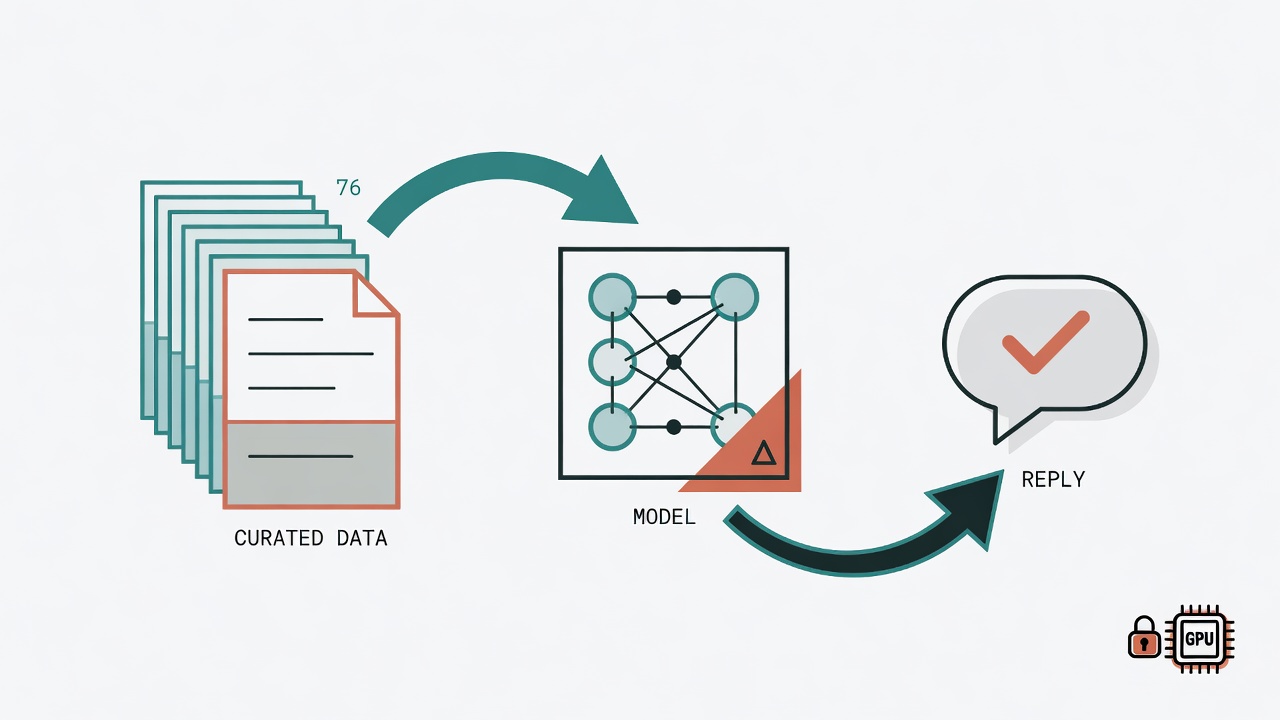
You have a local AI customer-service bot. It is smart enough, and its answer accuracy is not bad. Still, every time you read a reply, something feels off: the tone is stiff, the wording does not match your brand, and it barely knows the fine details of your own products. So you spend several days tuning the system prompt. The gains stay limited. Fix A, break B. You are forever playing whack-a-mole.
That is exactly the problem I hit with our company LINE customer-service bot, so I decided to fine-tune the model and make it learn brand language from the inside. With only 76 training examples, one RTX 4060 Ti, and about three hours of work, accuracy moved from 55% to 91%.
This article records the full process, including every pitfall I hit under a Windows CUDA setup.
Why a System Prompt Is Not Enough, and Why You Need Fine-Tuning
A system prompt is essentially "the instruction at the start of every conversation." It can tell the model who it is, but it cannot truly change the model's behavior patterns. Concretely, there are three limits:
Tone consistency is weak. You write "please answer in a friendly, spoken style" in the system prompt. Sometimes the model complies; sometimes it slips back into academic prose. A system prompt is a hint, not a hard constraint.
Domain knowledge does not stick. You stuff the entire product manual into the system prompt. Token count explodes, inference slows down, and the model still may not cite the content correctly.
Format control is unstable. You demand "no more than three sentences." Round one behaves. After a few turns, the model starts writing essays again.
Fine-tuning works differently, because it directly updates model weights and lets the model internalize the behavior you want. So 76 carefully designed examples can beat a 5,000-word system prompt.
What the 76 Training Examples Look Like
Training data uses ChatML format. Each example is a dialogue with three roles: system, user, and assistant. The system prompt matches the online deployment version exactly. That matters, because you want the behavior the model learns to match the real deployment environment.
Topic distribution across the 76 examples:
| Topic | Count | Notes |
|---|---|---|
| Greeting / identity | 5 | Hello, self-introduction |
| Product intro | 8 | Core product knowledge |
| Pricing / procurement | 4 | Quotes and purchase flow |
| Ordering / sample requests | 8 | Orders and trial applications |
| Timeline explanations | 5 | Shipping and scheduling |
| Target audience | 5 | Who it is for |
| Retest guidance | 6 | Follow-up tracking |
| Safety / privacy | 5 | Data protection |
| Off-topic handling | 4 | Steer back on track |
| Report interpretation | 5 | Explaining test reports |
| Score explanations (five levels) | 11 | Meaning of each level |
| Trend tracking | 6 | Reading value changes |
| Extra knowledge | 4 | Extended health education |
The point is covering every scenario real customer service will hit, not flooding a single topic with volume. Seventy-six is not a large number, but every example is a carefully chosen representative dialogue.
Environment Setup: Seven Pits, Each Deeper Than the Last
This section is the core of the article. Doing QLoRA under Windows + SSH + CUDA produced enough pits to fill a book. Below they are ordered by when I hit them.
Pit 1: pip Silently Overwrites Your CUDA PyTorch
You cheerfully install CUDA PyTorch 2.6.0+cu124 with pip install, then install training packages such as transformers, peft, and trl. When you look again, PyTorch has been overwritten with the CPU build.
Why? Those packages only declare torch>=2.0. pip's dependency resolver finds a newer version on PyPI (and it happens to be a CPU wheel), so it "upgrades" for you.
Fix: Install every training package first. Only at the end pin CUDA PyTorch back with --force-reinstall --no-deps.
pip install torch==2.6.0+cu124 torchvision==0.21.0+cu124 torchaudio==2.6.0+cu124 \
    --index-url https://download.pytorch.org/whl/cu124 \
    --force-reinstall --no-deps
This is not a suggestion. It is a hard rule.
Pit 2: triton-windows Breaks peft
I originally wanted unsloth for faster training. The triton-windows 3.7.1.post27 package that unsloth pulls in removed AttrsDescriptor from triton.compiler.compiler, while peft 0.19.1 still uses the old API. So import peft fails immediately.
Fix: Drop unsloth. Go back to the standard transformers + peft + trl stack. Training is about 20-30% slower, but at a 76-example scale you barely notice.
The lesson is simple: for small-scale fine-tuning, stability matters far more than speed.
Pit 3: Three Ways to Pick a bitsandbytes Version
bitsandbytes is the core package for QLoRA 4-bit quantization. Version choice on Windows is its own craft.
| Version | Status |
|---|---|
| 0.49.2 | Requires torch >= 2.11; incompatible with 2.6.0 |
| 0.45.5 | Install pulls in CPU torch again |
| 0.46.1 | Windows CUDA support; compatible with torch 2.6.0 |
The working setup was 0.46.1 installed with --no-deps.
Pit 4: Windows DLL Load Conflicts, Exit Code 5
This was the most mysterious pit. When running from trl import SFTTrainer, Python dies with exit code 5 and no error message. Not an exception. The whole process is force-killed by the OS.
Root cause: DLL load-order conflicts on Windows. import torch loads CUDA DLLs first. Later, SFTTrainer triggers pyarrow's C extension load, and the two DLL versions collide.
Fix: Preload pandas and pyarrow before importing trl.
import pandas                    # noqa: F401
import pyarrow.pandas_compat     # noqa: F401
# Only then is it safe to import trl
from trl import SFTTrainer
The import-order hard rule is: pandas → pyarrow → trl → torch → transformers/peft.
Pit 5: ruff Automatically Deletes the Imports That Save You
That import pandas is only for preload. The code never uses it directly. Then the problem: my editor had a ruff formatter hook that saw an "unused import" and deleted it. After the delete, exit code 5 came back.
Fix: Append # noqa: F401 at the end of the import line so ruff leaves it alone. Also write the file with Python's open() to bypass the editor's auto-format.
Pit 6: An SSH Session Cannot See Google Drive
Training data lived on Google Drive (the G: drive). Everything worked in the desktop environment, but after connecting over SSH, G: was gone.
Reason: Google Drive is a user-space filesystem mounted only in Windows session 1 (the desktop). SSH runs in session 0, so that drive is invisible.
Fix: From another machine that already had Google Drive synced, SCP the files over. Keep paths ASCII only, so Chinese path names do not cause another SSH failure.
Pit 7: Breaking API Changes in trl 0.24.0
The last pit: trl 0.24.0 renamed a pile of APIs. Code written against old docs fails immediately.
| Old API | New API |
|---|---|
SFTConfig(max_seq_length=...) |
SFTConfig(max_length=...) |
SFTTrainer(tokenizer=...) |
SFTTrainer(processing_class=...) |
warmup_ratio=... |
warmup_steps=... |
Breaking changes are common in a fast-moving ML ecosystem. Official docs lag error messages. Re-validate the API on every upgrade.
Training Parameters and Results
Once the environment was solid, the training itself was the easiest part.
Key Parameters
Base model: Qwen/Qwen3.5-9B
LoRA rank: 16 / alpha: 32
Epochs: 3
Batch size: 2 (gradient accumulation 4, effective batch = 8)
Learning rate: 2e-4
Max sequence length: 1024
Target modules: q_proj, k_proj, v_proj, o_proj, gate_proj, up_proj, down_proj
VRAM Allocation (RTX 4060 Ti 16GB)
| Item | Usage |
|---|---|
| 4-bit model weights (9B) | ~5 GB |
| LoRA adapter + gradients | ~4 GB |
| Activations, optimizer | ~4 GB |
| Headroom | ~3 GB |
| Total | ~16 GB (filled to the brim) |
Training Results
Wall time was 3 hours 18 minutes. Loss and accuracy evolved as follows:
| Stage | Loss | Accuracy |
|---|---|---|
| Step 10 (end of Epoch 1) | 2.141 | 55.0% |
| Step 20 (end of Epoch 2) | 0.703 | 83.96% |
| Step 30 (end of Epoch 3) | 0.386 | 90.94% |
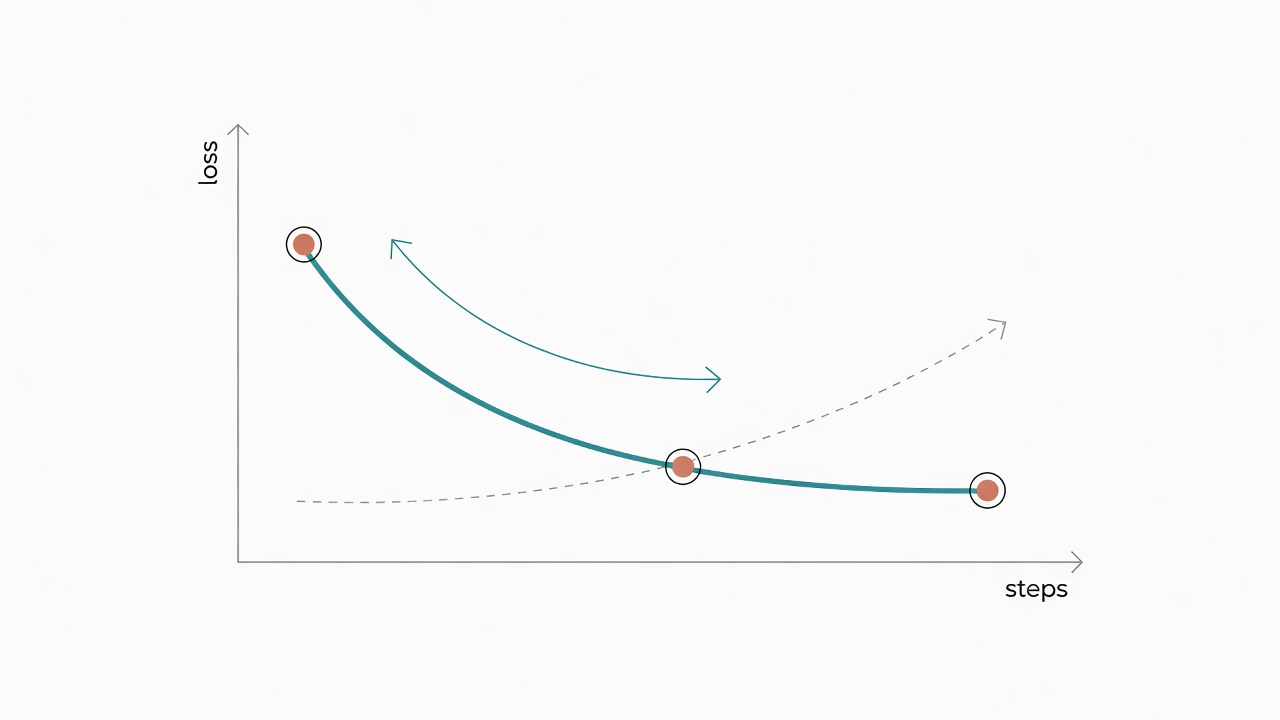
grad_norm stayed stable between 0.14 and 0.28; no gradient explosion. Trainable parameters were only 29,097,984, or 0.32% of the full 9B model. Final LoRA adapter size was 111 MB.
Post-Training Trilogy: Merge, GGUF, Ollama
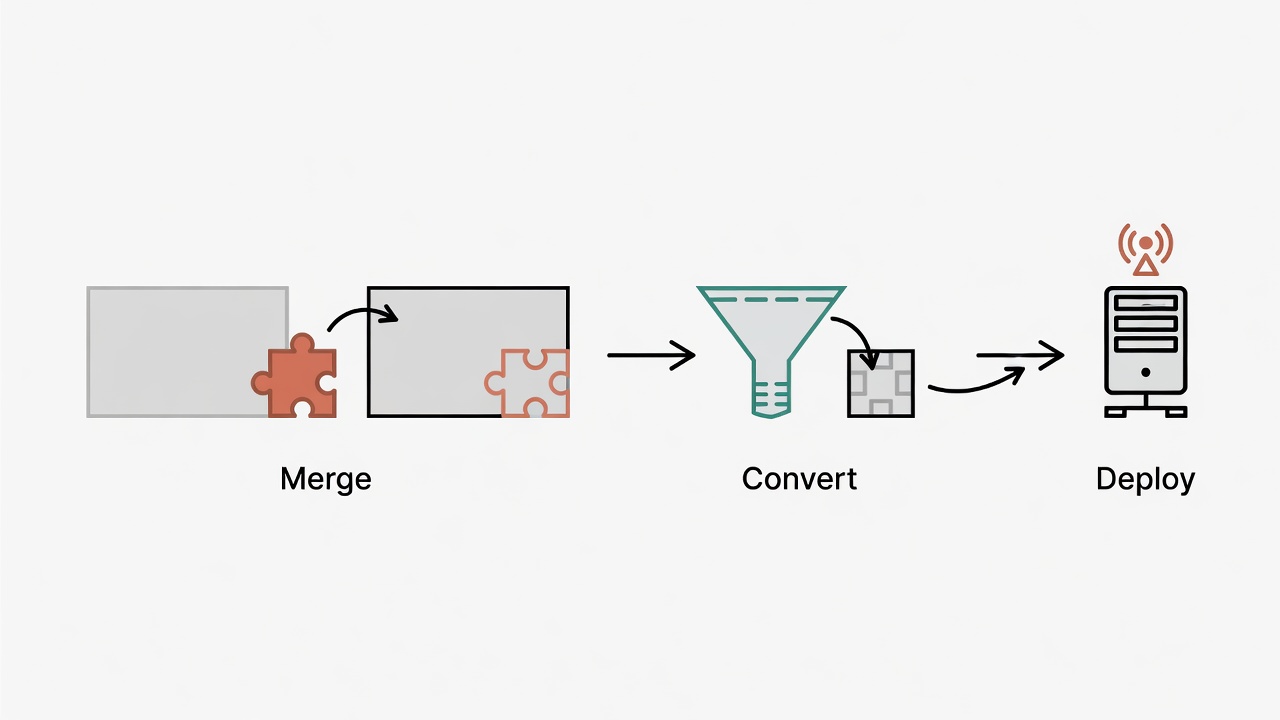
What you get after training is a LoRA adapter. It cannot run inference by itself, so three steps are required before going live.
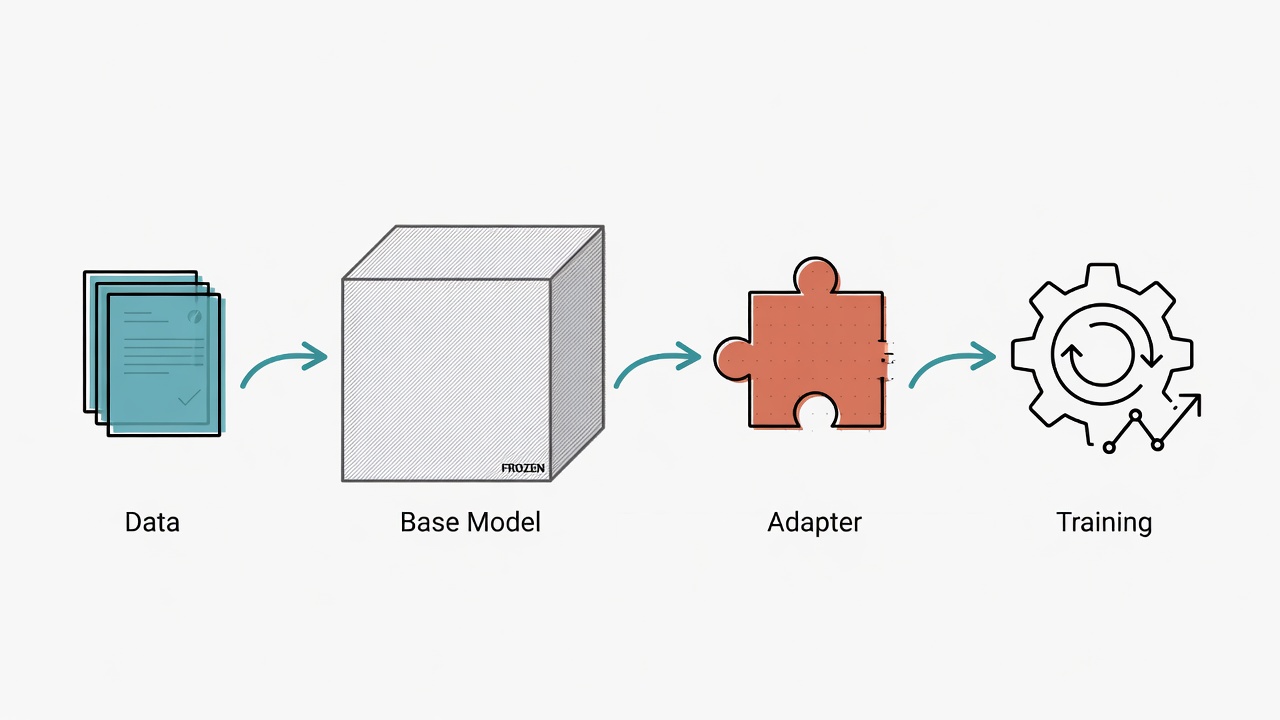
Step 1: Merge LoRA into the Base Model
Use peft's merge_and_unload() to fold LoRA weights back into the base model. Do this on CPU; 16GB VRAM is not enough. It finishes in about 30 seconds and produces 5 safetensors shards totaling about 18 GB (FP16).
Step 2: Convert to GGUF Format
Ollama only consumes GGUF, so you need llama.cpp's conversion tools. Another pit here: the gguf package on PyPI lags llama.cpp master and is missing the MODEL_ARCH.DFLASH definition. The fix is to clone the latest gguf-py from the llama.cpp repo and install from that.
I chose Q8_0 quantization for simple reasons:
- F16 (18 GB) exceeds 16GB VRAM, so it is unusable
- Q8_0 (~9.5 GB) fits, with about ~6 GB left for the KV cache
- Q4_K_M requires compiling a Windows
llama-quantize, which adds complexity
Also watch MTP (Multi-Token Prediction) tensors. Qwen3.5's config has mtp_num_hidden_layers: 1, but the llama.cpp inside Ollama 0.30.11 does not support that format yet. The first converted GGUF failed to load with missing tensor 'blk.32.attn_norm.weight'. Reconverting with the --no-mtp flag fixed it.
Step 3: Ollama Deployment
Write a Modelfile that points at the GGUF path and sets inference parameters:
FROM cellergy35-q8-nomtp.gguf
PARAMETER num_ctx 32768
PARAMETER presence_penalty 1.5
PARAMETER temperature 0.7
Then ollama create cellergy35:v2 -f Modelfile. The 9.5 GB model loads successfully.
Validation and Go-Live
After deployment I tested several key questions. The model answered product knowledge and report interpretation correctly, and the tone matched the training examples. One caveat: Qwen3.5 defaults to English answers, so at deploy time you need to inject a Traditional Chinese system prompt into the Hermes profile.
Finally I changed the Hermes LINE Bot model field from qwen3.5:9b to cellergy35:v2, restarted the profile, and went live.
Five Hard Rules for Fine-Tuning on Windows CUDA
After the full journey, I distilled five hard rules. Each one was paid for in debug time.
Rule 1: Always install CUDA PyTorch last, with --no-deps. pip's dependency resolver will overwrite your CUDA build. That is not a bug; it is how pip is designed. The only defense is install last and force the version.
Rule 2: On Windows, import order is life or death. pandas → pyarrow → trl → torch → transformers/peft. Wrong order means exit code 5: no error message, only silent death.
Rule 3: Preload imports must carry # noqa: F401. Otherwise linters and formatters will delete the imports that keep you alive.
Rule 4: An SSH session and a desktop session are two different worlds. Google Drive, Chinese paths, and some environment variables all fail under SSH. Transfer files with SCP. Use ASCII paths only.
Rule 5: For small-scale fine-tuning, pick stability over speed. unsloth is fast, but on Windows it fights with peft. Seventy-six examples finish in about three hours on the standard stack. Saving one hour is not worth the stability risk.
These five rules apply to anyone doing QLoRA fine-tuning on Windows + CUDA. May you step into fewer pits than I did.