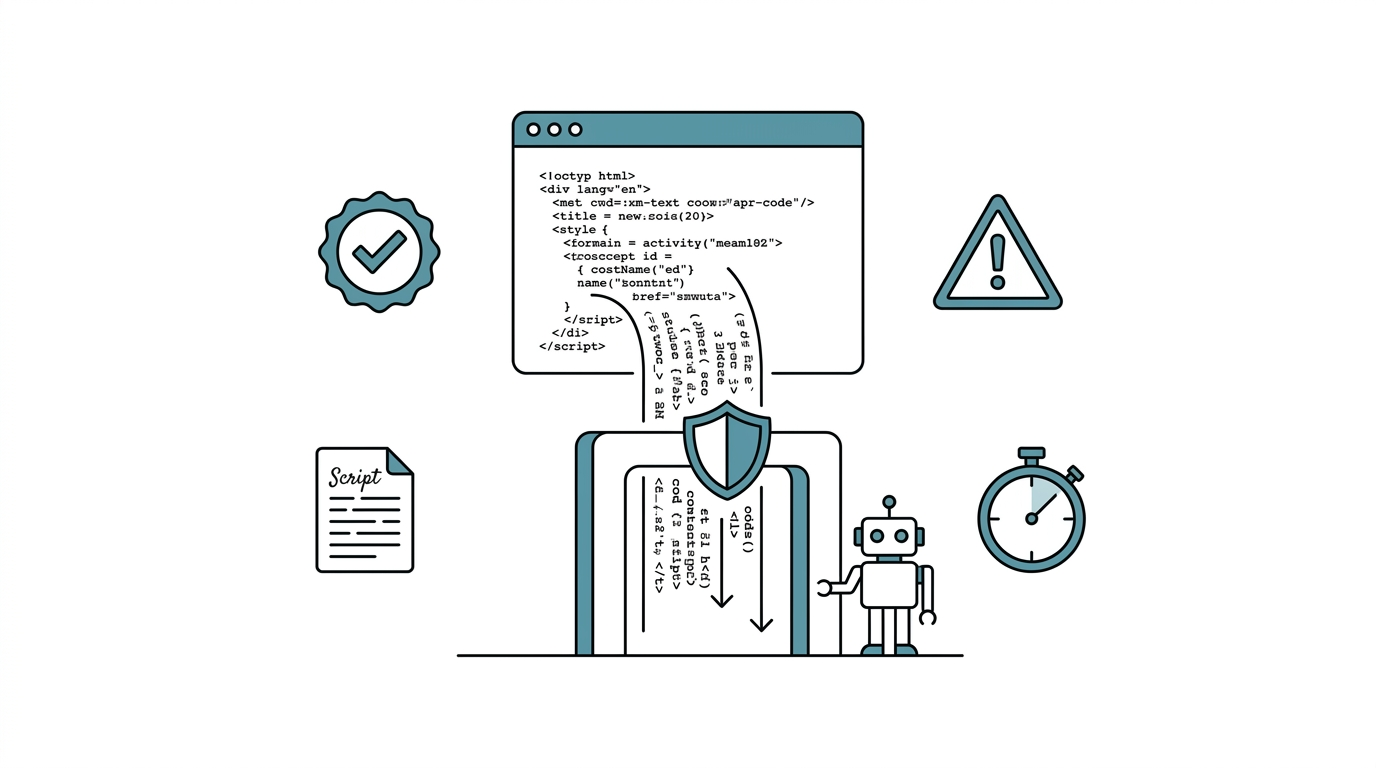
The Day AI Deleted My Entire Folder
I once asked Claude Code to tidy up a project directory. It dutifully decided certain files "looked unnecessary" and ran rm -rf. That was a working directory with no real-time backup.
That experience taught me something: no matter how smart an AI agent is, you cannot let it operate on a filesystem without guardrails.
This article introduces the defense layer I built afterward: the Hook Gatekeeper System. I'll explain how Claude Code's hooks mechanism works, how to configure it, and the actual gatekeeper rules I run in production.
I'm a university assistant professor and R&D director at a biotech company. Over the past six months I've built a full AI agent system with Claude Code. The Hook Gatekeeper System was the first safety layer I established, because the lesson came earliest.
A Hook Gatekeeper System is a quality-control mechanism for AI agents. By inserting inspection scripts before tool calls (PreToolUse) and after tool calls (PostToolUse), it automatically intercepts dangerous operations and validates output quality, ensuring every AI action passes preset safety and quality gates.

Claude Code's Hooks Mechanism
Claude Code has a built-in hooks feature that lets users insert custom scripts before and after AI tool operations. This isn't a plugin or third-party package. It's a native capability of Claude Code.
Hooks fire at two moments:
- PreToolUse: Triggered before the AI calls a tool. Purpose: intercept, review, or block dangerous operations.
- PostToolUse: Triggered after the AI completes a tool call. Purpose: validate results, auto-fix issues, run tests.
Think of it as quality-control stations on a factory line. PreToolUse is the incoming-material inspection, confirming raw materials are safe before they proceed. PostToolUse is the finished-goods inspection, confirming output meets standards.
Configuration Location
Hook settings live in .claude/settings.json at the project root. Here's the basic structure:
{
  "hooks": {
    "PreToolUse": [
      {
        "matcher": "Write",
        "hooks": [
          {
            "type": "command",
            "command": "bash .claude/hooks/check-frontmatter.sh",
            "timeout": 5
          }
        ]
      }
    ],
    "PostToolUse": [
      {
        "matcher": "Edit|Write",
        "hooks": [
          {
            "type": "command",
            "command": "bash .claude/hooks/auto-test.sh",
            "timeout": 30
          }
        ]
      }
    ]
  }
}
Key fields:
| Field | Description |
|---|---|
matcher |
Specifies which tool triggers the hook; supports regex (e.g. Edit|Write fires on both) |
type |
Currently only command, which executes a shell command |
command |
Path to the script to run |
timeout |
Timeout in seconds; if exceeded, the hook is skipped |
Real-World Case 1: Intercepting rm and Enforcing Soft Delete
This was my first gatekeeper rule, and still the most important one.
The Problem
When tidying files, the AI may call rm to delete them. Once deleted, recovery is nearly impossible without version control or a backup.
The Solution
A PreToolUse hook that inspects the Bash command the AI is about to execute. If it contains rm, the hook blocks the call and suggests using mv to a _DELETE_-prefixed location instead.
Core logic of the hook script:
#!/bin/bash
# .claude/hooks/protect-sensitive-files.sh
# Read the tool input the AI is about to execute
INPUT=$(cat /dev/stdin)

# Check for rm command
if echo "$INPUT" | grep -qE '\brm\b'; then
  echo "BLOCKED: rm command detected."
  echo "Use mv file _DELETE_file instead, to preserve a rollback timeline."
  exit 1
fi

exit 0
When the script returns a non-zero exit code, Claude Code blocks the tool call and feeds the script's output back to the AI. After seeing "Use mv instead," the AI automatically rewrites the command.
Since this rule went live, there have been zero accidental deletions.
Real-World Case 2: Automatic Markdown Frontmatter Validation
The Problem
Every Markdown file in my system requires YAML frontmatter (title, date, tags, etc.). The AI occasionally forgets to include it or leaves the format incomplete.
The Solution
A PreToolUse hook that checks content for complete frontmatter before the AI writes a .md file:
#!/bin/bash
# .claude/hooks/check-md-frontmatter.sh
INPUT=$(cat /dev/stdin)

# Only check .md files
FILE_PATH=$(echo "$INPUT" | grep -o '"file_path":"[^"]*"' | head -1)
if ! echo "$FILE_PATH" | grep -q '\.md"'; then
  exit 0
fi

# Check for frontmatter opening
CONTENT=$(echo "$INPUT" | python3 -c "
import sys, json
data = json.load(sys.stdin)
print(data.get('content', ''))
" 2>/dev/null)

if ! echo "$CONTENT" | head -1 | grep -q '^---'; then
  echo "WARNING: Markdown file is missing YAML frontmatter."
  echo "Ensure the file starts with a --- delimited YAML block."
  exit 1
fi

exit 0
This rule ensures every AI-generated Markdown file passes a frontmatter check.
Real-World Case 3: Automatic Post-Write Code Quality Checks
The Problem
After the AI writes Python code, there may be unused imports, formatting issues, or even syntax errors.
The Solution
A PostToolUse hook that automatically runs ruff (Python linter/formatter) and pytest after every .py file write or edit:
{
  "matcher": "Edit|Write",
  "hooks": [
    {
      "type": "command",
      "command": "bash .claude/hooks/ruff-autofix.sh",
      "timeout": 10
    },
    {
      "type": "command",
      "command": "bash .claude/hooks/auto-pytest.sh",
      "timeout": 30
    }
  ]
}
The ruff hook auto-fixes formatting issues (such as removing unused imports). The pytest hook runs relevant tests. If tests fail, the AI receives the error message and automatically attempts a fix.
This creates an automatic feedback loop: AI writes code, hook runs tests, tests fail, AI reads the error, fixes it, hook runs tests again, tests pass.

My Current Hook Inventory
Here is the complete hook configuration I currently run:
| Hook Type | matcher | Function | timeout |
|---|---|---|---|
| PreToolUse | Write |
Markdown frontmatter validation | 5s |
| PreToolUse | Edit|Write |
Sensitive file protection (blocks unauthorized edits to memory/config files) | 5s |
| PostToolUse | Edit|Write |
ruff auto-fix (Python files) | 10s |
| PostToolUse | Edit|Write |
Code review gate | 10s |
| PostToolUse | Edit|Write |
Automatic pytest | 30s |
Five hooks. Two guard the front gate, three guard the back. The front gate handles "don't do what shouldn't be done." The back gate handles "confirm quality after it's done."
Four Principles for Designing Hooks
Based on several months of experience, good hook design follows these principles:
Principle 1: Fail Fast
Hook scripts should be as quick as possible. I typically set PreToolUse timeouts to 5 seconds and PostToolUse to 10-30 seconds. Slow hooks drag down the entire workflow. If a check needs more than 30 seconds, consider making it a standalone step rather than a hook.
Principle 2: Clear Messages
When a hook blocks an operation, the output must tell the AI why it was blocked and how to fix it. Vague error messages cause the AI to repeatedly attempt the same blocked operation.
Principle 3: Intercept Only, Don't Modify (PreToolUse)
PreToolUse hooks should intercept and warn, not attempt to auto-modify the AI's input. Let the AI correct itself based on the feedback message. This way the AI "learns" the correct approach.
Principle 4: Add Incrementally
Don't build ten hooks at once. Start with the most painful problem (usually accidental deletion), confirm it works, then add the next one. My five hooks were added incrementally over three months.
Hook Gatekeeper System vs. Traditional CI/CD
If you have a software engineering background, hooks might sound like a CI/CD pipeline. The two share similarities but serve different roles:
| Dimension | CI/CD Pipeline | Hook Gatekeeper System |
|---|---|---|
| Trigger | git push / PR creation | Every AI tool call |
| Feedback target | Developer (human) | AI Agent |
| Feedback speed | Minutes to tens of minutes | Seconds |
| Primary purpose | Pre-deployment QA | Real-time protection + instant correction |
| Granularity | Entire commit | Single file operation |
The Hook Gatekeeper System provides finer-grained protection than CI/CD. It intervenes the moment the AI acts, without waiting for a commit or push to surface problems. The two can coexist: hooks handle real-time QA, CI/CD handles comprehensive pre-deployment testing.
FAQ
Will hooks slow down the AI?
Yes, but minimally. PreToolUse typically completes in 1-2 seconds. PostToolUse ruff/pytest runs take roughly 5-15 seconds. Compared to the AI's own response time (typically 10-30 seconds), the added latency from hooks is acceptable. And these quality checks save the "half hour fixing a mistake" that would otherwise follow.
Does every project need hooks?
Not necessarily. If your AI's scope is narrow (e.g. conversation only, no file operations), hooks add little value. But the moment the AI writes files, runs commands, or modifies configurations, at minimum a "prevent accidental deletion" PreToolUse hook is recommended.
What happens if a hook script itself has a bug?
If the hook script errors out (syntax error or execution failure), Claude Code skips that hook and does not block the AI operation. This is the safe default behavior. That said, manually test your hooks after writing them to confirm they run correctly.
Can hooks restrict the AI to specific directories only?
Absolutely. In a PreToolUse hook, check the file path the AI intends to operate on. If it falls outside the allowed directory scope, block it. This is the core logic of my "sensitive file protection" hook. I use this approach to protect the memory system's core files from unintended modifications.
How are hooks different from writing rules in CLAUDE.md?
Rules in CLAUDE.md are "soft constraints." The AI usually follows them but occasionally forgets. Hooks are "hard constraints." Script-enforced checks don't get forgotten and can't be creatively reinterpreted by the AI. The two work best together: CLAUDE.md sets principles, hooks enforce them.
Want to Go Deeper?
The Hook Gatekeeper System works even better paired with the Skill Routing Engine: the routing engine ensures the AI follows the correct workflow, hooks ensure every step within that workflow passes quality control. For the full safety design philosophy, continue to AI Agent Safety Baseline Design.
I've compiled a Claude Code Quick Start Cheat Sheet covering installation, CLAUDE.md configuration, memory system basics, and common commands on one page.
Next: Multi-Platform Sync: One Memory System Across Claude/Copilot/agy