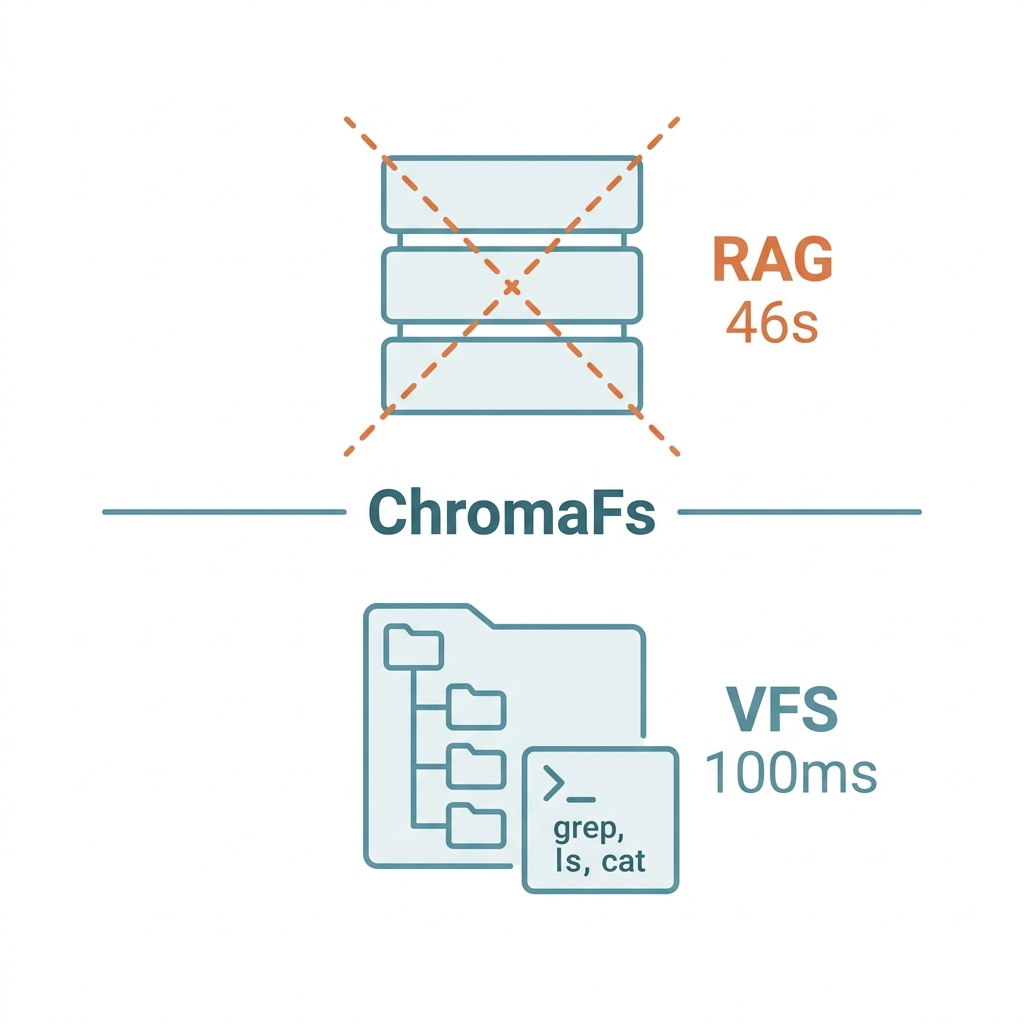
RAG has become the default architecture for AI applications. Chunk your documents, store them in a vector database, retrieve the relevant pieces, hand them to the model. It's intuitive. It's everywhere. And for a growing class of problems, it's the wrong tool.
Mintlify's engineering team found this out firsthand — and the alternative they built is worth understanding.
The Hidden Costs of RAG
Vector search is genuinely powerful for semantic similarity. But it has three pain points that show up the moment you move beyond simple question-answering.
Scattered answers. When the information you need is distributed across five different pages in five different sections, RAG struggles. Each retrieved chunk is a fragment. The model has to infer the connections that the retrieval system missed.
Precision mismatch. If you need to find the exact error code list for API endpoint /v2/users, vector search is working against you. It's optimized for semantic proximity, not exact string matching. Grep would solve this in milliseconds.
Startup overhead. Mintlify's AI assistant required a sandboxed environment for each session. Launching that sandbox: 46 seconds. Users don't wait 46 seconds. Users leave.
The Insight: Give the AI a Fake Filesystem
ChromaFs, Mintlify's solution, starts from a deceptively simple observation: AI models already know how to navigate filesystems. They've been trained on enormous amounts of code and documentation that uses ls, cat, grep, find. These aren't foreign tools — they're native interfaces.
So instead of building a real sandboxed environment, ChromaFs builds a virtual one. When the AI executes grep "error code" /docs/api/, ChromaFs intercepts that command and translates it into a vector database query. The AI thinks it's browsing a filesystem. It's actually querying a database.
The AI doesn't know the difference — and that's the point. Because the interface is familiar, the AI uses it naturally and effectively: ls to survey directory structure, cat to read a file, grep to search for a pattern, find to locate specific files. It navigates hierarchically, drilling down layer by layer, the way an experienced engineer would.
Results: session startup time dropped from 46 seconds to 100 milliseconds — 460 times faster. Marginal compute cost dropped to near zero, because the existing vector database infrastructure gets reused rather than a new sandbox spun up.
The Deeper Point: RAG Doesn't Mean Vector Search
This is the insight that @dotey highlighted in the Hacker News discussion, and it's worth dwelling on: the AI community has unnecessarily conflated RAG with vector search.
RAG stands for Retrieval Augmented Generation. The R stands for Retrieval — and retrieval is a category, not a method. Full-text search is retrieval. SQL queries are retrieval. Grep is retrieval. Vector search is one implementation, useful for one class of problems.
Modern AI models have tool use capabilities and reasoning capabilities. They can decide which retrieval strategy is appropriate for the current task. Precise API spec lookup? Grep. Semantic exploration of an unfamiliar topic? Vector search. Structured data queries? SQL. Hard-coding a single retrieval strategy into your pipeline doesn't make it universal — it makes it brittle.
ChromaFs works not because it replaces RAG, but because it lets the AI select the right retrieval method for the task at hand. When the task is navigating structured documentation with a known hierarchy, filesystem navigation outperforms vector search. The intelligence is in the strategy selection, not the individual method.
What This Means for Builders and Users
For teams building AI applications: before defaulting to vector RAG, ask what your users' retrieval patterns actually look like. Structured browsing (known directory hierarchy, precise lookups)? Filesystem interface wins. Open-ended exploration (don't know where the answer lives)? Vector search is the stronger tool. These aren't mutually exclusive — a mature system offers both.
For everyday AI users: give your AI assistant room to browse, not just to answer. Instead of asking "what's the error code for X?", let the AI first survey the document structure and navigate to the answer. It's the difference between asking a librarian for a specific book versus asking them to walk you through the relevant section of the stacks. The second approach often gets you more than you knew to ask for.
The best retrieval strategy is the one the AI chooses for itself.
References
- Mintlify Engineering. (2026). Building a Virtual Filesystem for Mintlify's AI Assistant. Mintlify Engineering Blog.
- @dotey. Thread: ChromaFs Architecture Analysis. Hacker News discussion. 2026.
- Lewis, P. et al. (2020). Retrieval-Augmented Generation for Knowledge-Intensive NLP Tasks. NeurIPS 2020.