Best For
Developers and AI agent users who already work with React and TypeScript and want a structured, code-first approach to building presentations. If your workflow involves an AI agent producing or editing slide content, Auto-PPT gives it a clean interface: each slide is a .tsx file the agent can read and modify without touching a GUI.
How I Actually Use It
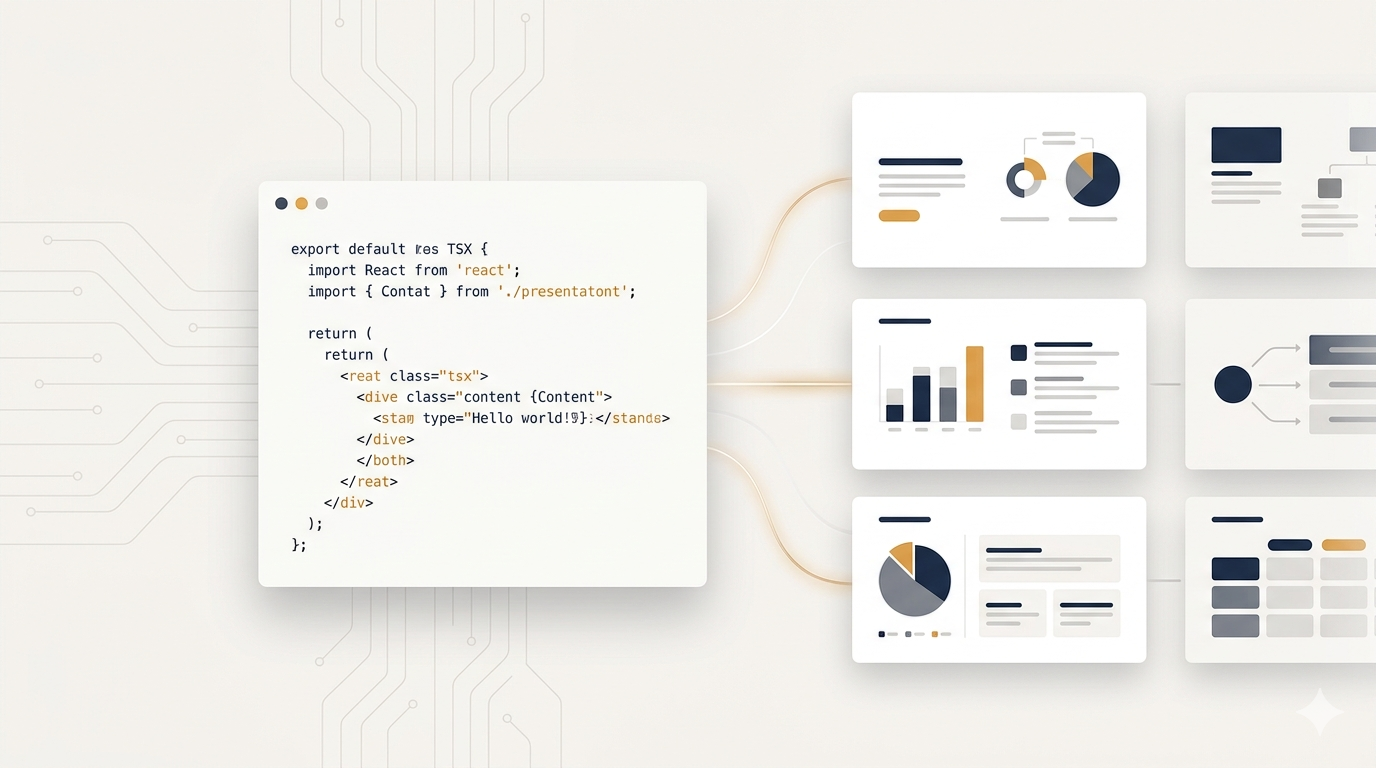
I evaluated Auto-PPT as a potential harness for letting Claude Code generate teaching slides. The workflow is straightforward: you run a Vite dev server, and each presentation lives in its own slides/{ppt}/ folder. The built-in CLI command pnpm ppt text dumps all slide text so the AI can read content without screenshots. The AI then edits .tsx files directly to change content, and the SKILL.md protocol tells it when to request a screenshot (layout changes) versus when to skip it (text-only edits).
The Annotated triple pattern (content / summary / rationale) is a smart design choice. It forces the AI to record why it made each change, so subsequent editing sessions do not lose context.
I have not deployed it in production. At 29 stars and 17 commits with no releases, I am tracking it rather than relying on it.
Where It Is Strong
- AI agents can read and write slides as structured code, no GUI or screenshot loops required.
- The SKILL.md file is a well-designed agent protocol with clear rules for when visual feedback is needed.
- One repo manages multiple presentations with clean routing (
/{ppt}/{slide}). - Fixed 1920x1080 canvas with Tailwind CSS pixel positioning is intuitive for developers.
- PDF export uses browser print, preserving vector text (searchable) without extra tools.
Where It Fails
- Still early-stage: 29 stars, 0 releases, 17 commits. The API could change at any time.
- No versioning strategy. The SKILL.md expects the agent to maintain documentation manually, which adds overhead.
- The rationale field relies on the agent being diligent. There is no technical enforcement; sloppy agents produce noise instead of useful records.
- No built-in animation support. You would need to add CSS or Framer Motion yourself.
- Output is web-only. If collaborators expect
.pptxfiles, you will need a separate conversion step.
Pricing, Difficulty, and Risk
Auto-PPT is free and open-source, though the repository does not explicitly declare a license. Verify before commercial use.
The difficulty is intermediate. You need working knowledge of React, TypeScript, and Tailwind CSS. If you are already in that ecosystem, setup takes minutes. If not, the learning curve includes the entire frontend toolchain.
Risk is low on the data side: it is a pure frontend tool with no data transmission. Supply chain risk is minimal since it depends on mainstream packages (Vite, React, pnpm). The real risk is instability. With only 17 commits and no tagged release, breaking changes are likely.
Verdict
Auto-PPT gets the hard part right: treat slides as React components so AI agents can work with them the way they work with code. The SKILL.md protocol is better than anything else I have seen in the presentation tool space for agent integration. But the project is too young to depend on. Watch it. Revisit when it crosses 100 stars or ships a tagged release.
Source
- GitHub: https://github.com/Ame-X/Auto-PPT
- Live Demo: https://auto-ppt-demo.vercel.app