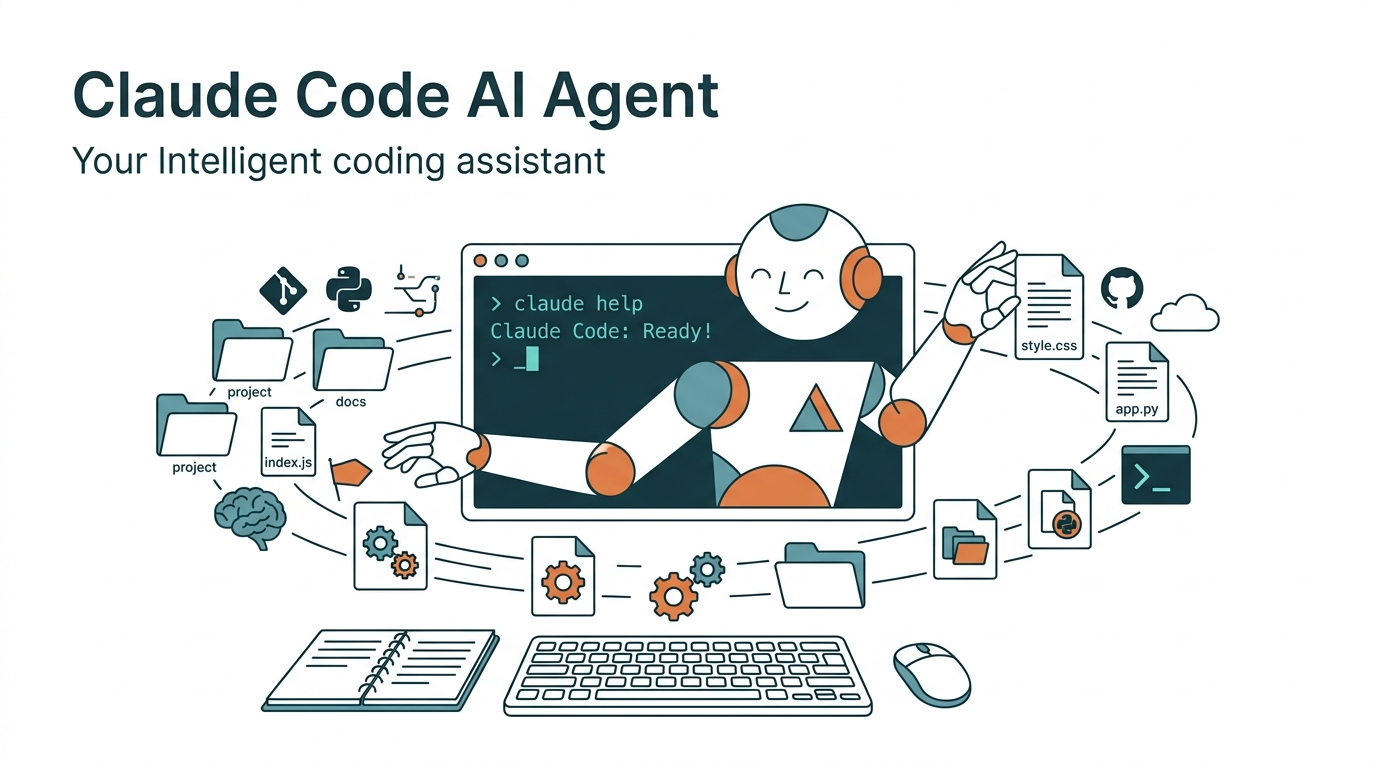
Most people interact with AI assistants through the same loop: open a browser, paste a question, copy the answer, paste it back into an editor. Every conversation starts from scratch. The AI doesn't remember what you asked last time, doesn't know your project structure, and can't touch a single file on your machine. You're always talking to a stranger who gives generic advice.
Claude Code is fundamentally different. It lives inside your terminal. It reads and writes files, runs shell commands, and remembers your preferences across sessions. It's not sitting in a browser tab waiting for you to copy-paste. It's working alongside you, at your workstation.
This article breaks down the core differences between Claude Code and traditional chatbots, walks through three scenarios that transformed my workflow, and helps you decide whether it's worth the learning curve. I'm a university assistant professor and R&D director at a biotech company. Over the past six months, I've used Claude Code to build an AI agent system spanning literature management, science writing, and multi-platform content distribution. This article comes from running those workflows, not imagining them.
Claude Code is Anthropic's command-line AI development tool. It runs directly in your terminal, reads and writes files, executes shell commands, and remembers user preferences across sessions. It's an AI agent with persistent memory and environment access, not a traditional chat interface.
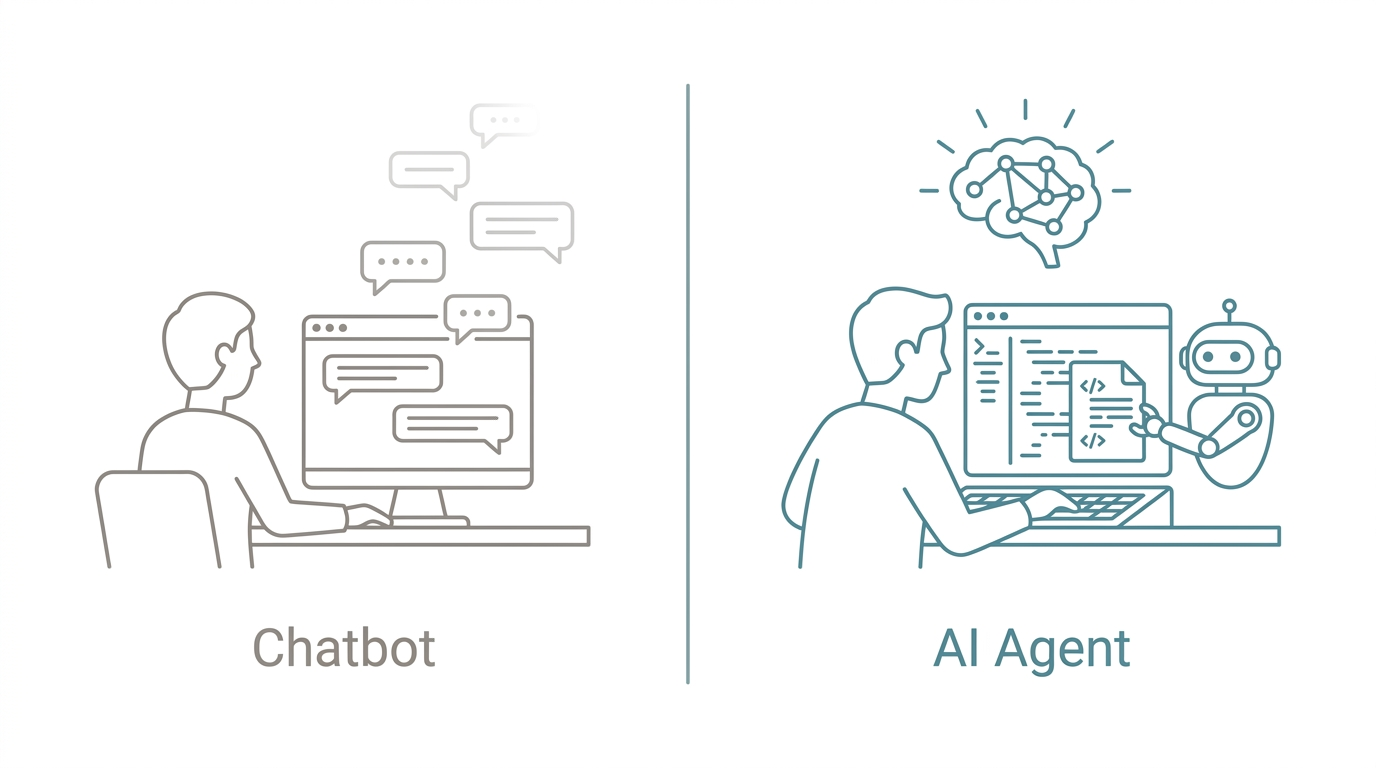
Chatbot vs. AI Agent: The Key Differences
Many people's first reaction is "another AI coding tool." The gap between that assumption and reality is worth examining.
| Dimension | Chatbot (ChatGPT, etc.) | AI Agent (Claude Code) |
|---|---|---|
| Where it runs | Browser | Your terminal |
| File access | None | Reads/writes your entire project |
| Command execution | None | Runs shell commands |
| Memory | Resets every session | Remembers preferences across sessions |
| Work mode | You ask, it answers | It suggests, executes, and verifies |
| Output | Text replies | Directly modifies your code |
| Personalization | Limited | Fully configurable identity/rules/workflows |
This isn't "a better ChatGPT." It's an entirely different category of tool. A chatbot is like a consultant sitting across from you in a coffee shop, offering advice. Claude Code is like a teammate working at the station next to yours, hands on the keyboard.
What Can Claude Code Do? Three Real Workflow Transformations
These three scenarios are from my own daily workflows, not hypotheticals.
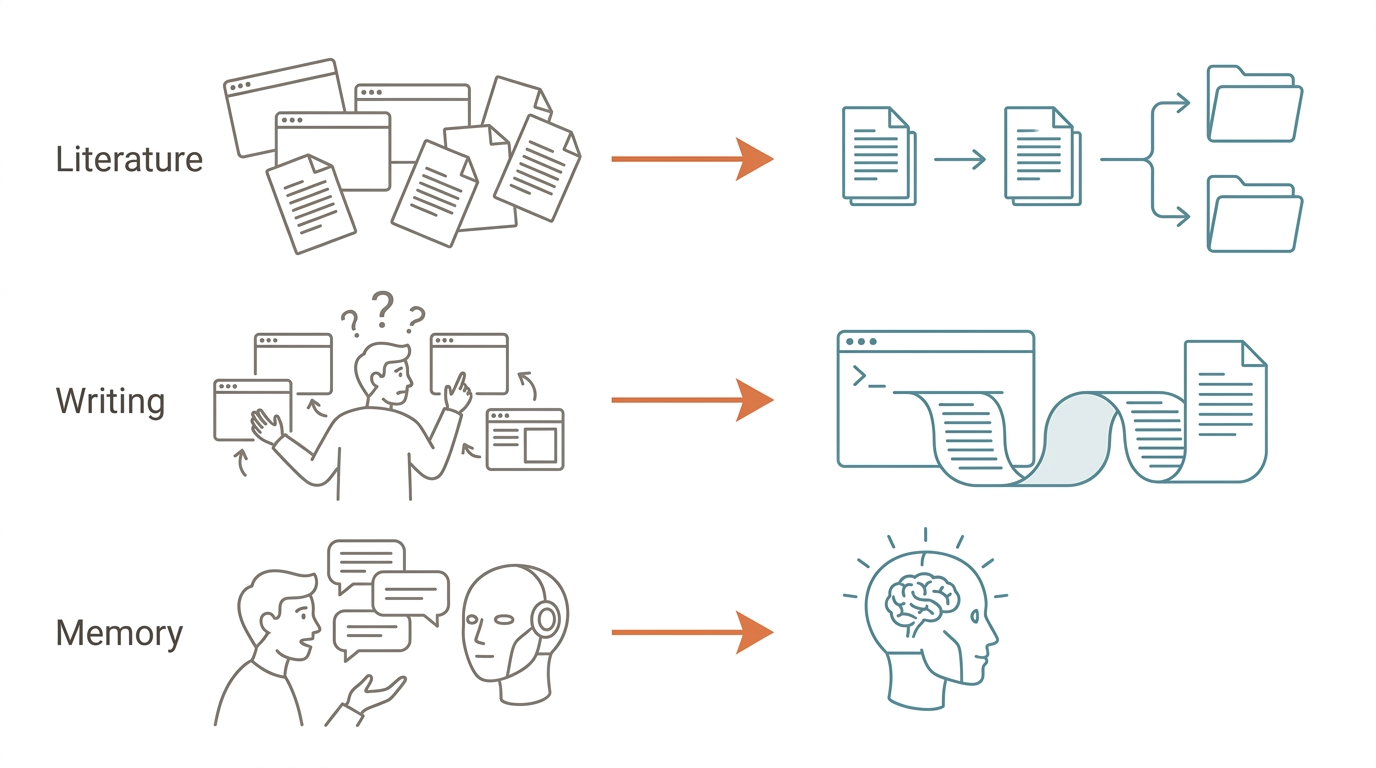
Scenario 1: Literature Management Automation
Before: Manually pulling papers from PubMed every week, reading abstracts one by one, categorizing and filing them by keywords, syncing to Zotero. Screening, organizing, and syncing alone consumed 8-10 hours per week.
After: A single command triggers the full pipeline: PubMed search, criteria-based filtering, abstract extraction, categorized filing, Zotero sync. The same workload compressed to under 1 hour.
Key difference: Claude Code calls the Zotero local API directly, reads and writes local files, and remembers my filtering criteria, including preferred journals, publication years, and study design types. No need to re-explain every session.
Scenario 2: Science Writing Production
Before: From a research paper to a publishable popular science article took two full days. Constantly switching between ChatGPT and a text editor, re-describing "my preferred style," "banned words," and "target audience" every new conversation.
After: End-to-end in the terminal: read the paper, extract key points, write a draft following the SOP, de-AI the language, output the finished piece. Combined with a three-layer memory architecture, context doesn't vanish when the session ends.
Key difference: It knows my writing style preferences, banned word list, and quality standards. These configurations live in the project settings. They take effect the moment you start.
Scenario 3: Persistent Cross-Session Collaboration
Before: Every new conversation required 10-15 minutes of "re-teaching the AI who I am." My role, project structure, active tools, preferred output formats. Repeating this context every single time was wasteful.
After: Claude Code remembers my role, project structure, and tool preferences. Next session picks up right where the last one left off. This is also the prerequisite for multi-agent collaboration: each agent has its own memory and responsibilities, so they don't need to re-explain "who the other agent is."
Key difference: The memory system transforms AI from "a stranger every time" to "a long-term collaborator." The longer you use it, the wider the gap.
The common thread across all three scenarios: the harness determines the ceiling. No matter how powerful the AI model, without a good harness (execution environment + memory + tool chain), its capabilities stay locked inside a text box.
Who Is Claude Code For? (And Who It's Not For)
Not everyone needs Claude Code.
If you have programming experience and want AI to be part of your development workflow rather than just an occasional Q&A tool, this was built for you. Researchers and academics are also a core audience, especially those with repetitive data processing workflows: literature management, data cleaning, report generation. Technical managers wanting to evaluate what AI agents can concretely do for their teams, beyond slide decks, will find Claude Code gives them hands-on experience.
But if you've never opened a terminal, the entry barrier will stop you. It requires basic command-line skills: at minimum, knowing how to open a terminal and navigate directories. Casual users who only need occasional answers don't need it either. Chatbots handle that use case just fine. Visual designers who need real-time graphical interfaces won't find much help here. It's a text interface.
From Chatbot to AI Agent: A Threshold Worth Crossing
Claude Code represents a different model of human-AI collaboration. It doesn't help you "ask better questions." It lets AI "do more work."
There's a learning curve between the two. But that curve isn't about programming. It's about redesigning your workflow. You need to rethink which steps can be delegated to AI, how to communicate instructions clearly, and how to let the memory system save you from repeating context. If your work involves code, document processing, or any systematizable repetitive process, this threshold is worth crossing.
FAQ
Is Claude Code free?
A free tier lets you try Claude Code. The Pro plan at $20/month offers higher usage limits for daily use. Heavy users can consider the Max plan starting at $100/month. Developers also have API-based pricing, paying per actual usage, suitable for variable workloads.
How is Claude Code different from GitHub Copilot?
Copilot primarily does code auto-completion at the line or function level, predicting your next line as you type. Claude Code is a full AI agent: it understands entire project structures, performs cross-file refactoring, runs tests, and manages git. It accepts complex task descriptions and figures out how to complete them. The two serve different purposes, and engineers commonly use both.
Can I use Claude Code without programming experience?
You need basic command-line skills. Roughly: knowing how to open a terminal, use cd to change directories, and ls to list files. You don't need to be a professional developer. If you can follow a tutorial to operate a terminal and install packages, the learning curve is lower than most people expect.
Is Claude Code secure? Will my files be uploaded?
Claude Code runs locally in your terminal and communicates with Anthropic's servers via API. You can configure permission controls to decide which operations require manual confirmation and which can run automatically. Code context is sent to the API for processing, but Anthropic explicitly commits to not using API inputs for model training.
Where should I start learning Claude Code?
Download the cheat sheet included with this article for a quick start. It covers installation, configuration, and common commands on a single page. Then follow the next article in this series, which demonstrates a complete automation workflow from setup to execution.
Ready to try it? Download the free Claude Code Quick Start Cheat Sheet — installation, setup, and common commands on one page. No sign-up required.