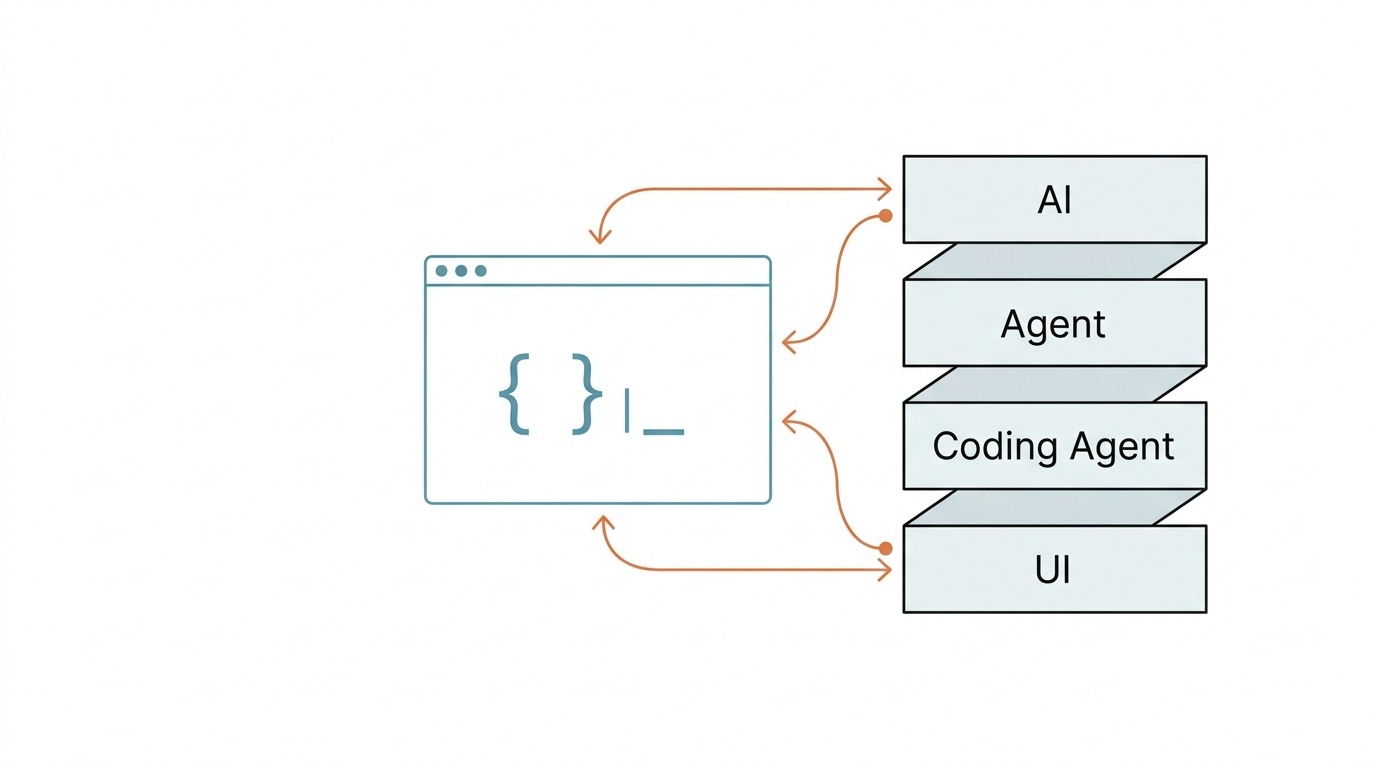
Most open-source coding agents are chat loops with tools bolted on. This one is built like a proper SDK, layers separated like floors in a building, each one load-bearing on its own.
Best For
Developers building their own AI Agent SDK or studying how a well-architected coding agent works under the hood. If you want to understand Extension hook taxonomies, branching session persistence, or how to layer AI/Agent/Tool/UI concerns cleanly, this codebase is the best open-source reference available right now. Not meant to replace your current coding assistant.
How I Actually Use It
I read the source code. The monorepo splits into 5 independent packages: AI abstraction, Agent core, Coding Agent (the main CLI), TUI framework, and Web UI. Each layer slots in like a drawer in a cabinet. Pull one out, the rest still stand.
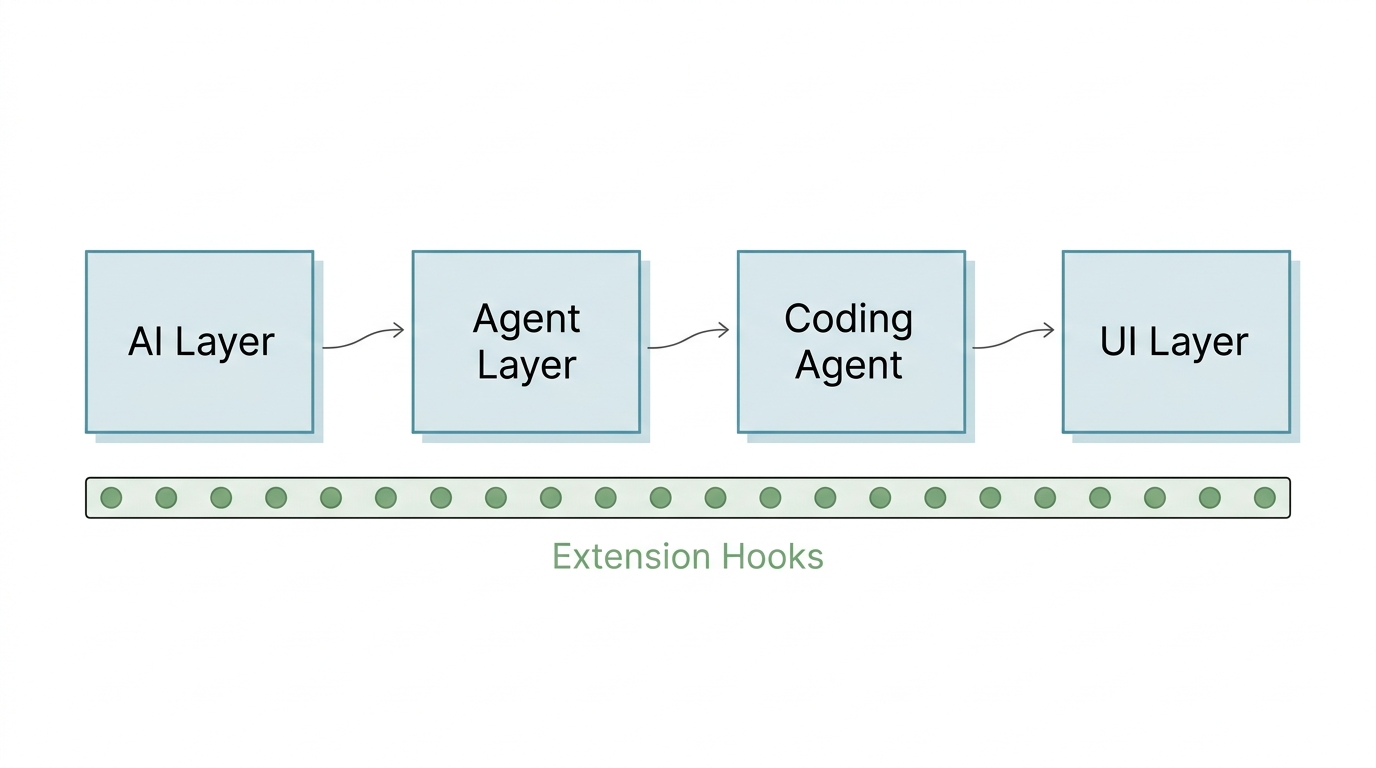
Why does that matter? Because the Extension system hangs 20+ hooks across those layers (onToolCall, onMessage, onCompaction, onSessionStart, and more). Think of them as taps on a water pipe. You can intercept, reroute, or filter agent behavior at any point without touching the core.
The most interesting design is session persistence. Sessions aren't chat transcripts. They're event timelines: every model switch, message, compaction event, and session fork saved as a discrete JSONL entry. You can rewind, branch, and replay them like git commits.
Where It Is Strong
- Layered architecture (AI → Agent → Coding Agent → UI) built like a stack of independent modules. Each layer has clear walls and can be swapped without breaking the others
- 20+ Extension hooks give you a complete map of where an Agent can be intercepted. When you design your own system, use it as a checklist
- Session JSONL with branching support. Fork a session, try a different path, come back if it doesn't work. Flat chat history can't do this
- Bun compile produces a single binary. No Node.js installation needed for end users
Where It Fails
Would I switch from Claude Code for daily work? No.
- Version 0.74.0. APIs change frequently, not production-stable
- Small team maintenance. No enterprise backing, no guarantee of long-term continuity
- No killer feature that makes you want to switch from Claude Code or Copilot CLI for daily work
- Untested in daily use by this reviewer — assessment is based on source code quality, not hands-on experience
Pricing, Difficulty, and Risk
Free, MIT license. Getting it running requires Node.js 20.6+ and TypeScript familiarity. Understanding the architecture requires reading the source: documentation exists, but the code is the real documentation. Risk is primarily continuity: small team, early version, rapid iteration.
Verdict
Not a tool you install to get work done faster. A codebase you read to build better agents. If you're designing an Extension system, a session persistence layer, or a tool execution framework for your own AI agent, start here. Otherwise, stay with your current coding assistant.
FAQ
Is pi ready for daily development work? No. At v0.74.0, APIs shift between releases, and the ecosystem is too thin to rely on. Stick with Claude Code or Copilot CLI for production work.
How is pi different from other open-source coding agents? Architecture. Most alternatives wrap tool calls inside a chat loop. Pi separates AI, Agent, Tool, and UI into 4 distinct layers with 20+ documented extension points. The difference is structural, not feature-level.
Can I embed pi's Agent core into my own product? Yes, and that's the strongest case for it. The Agent package runs independently of the CLI and TUI. If you're building a custom coding agent, study this reference implementation before writing your own.