
Best For
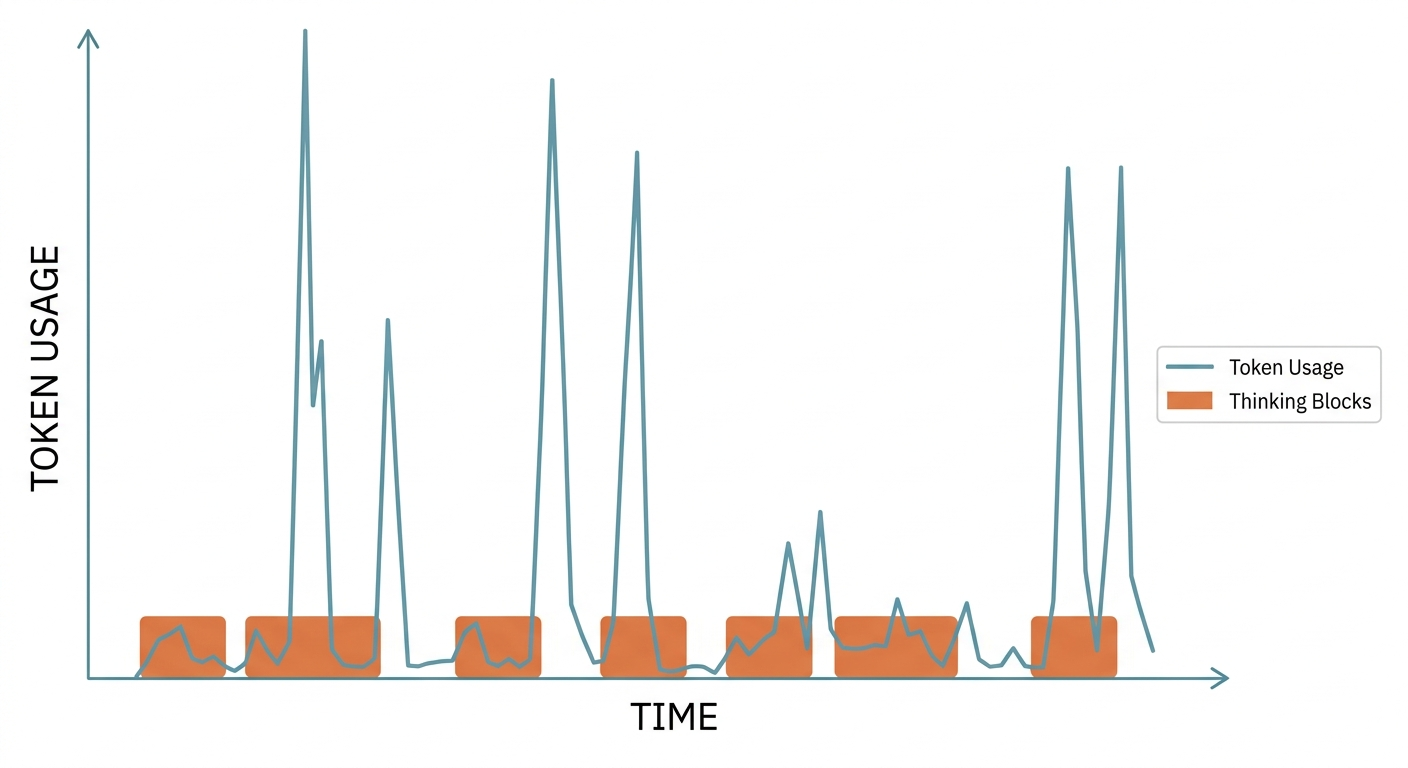
ccxray is best for people who want to debug Claude Code as a black box. If you care about token spikes, strange decisions, or prompt changes after an update, this is where the tool starts to matter.
How I Actually Use It
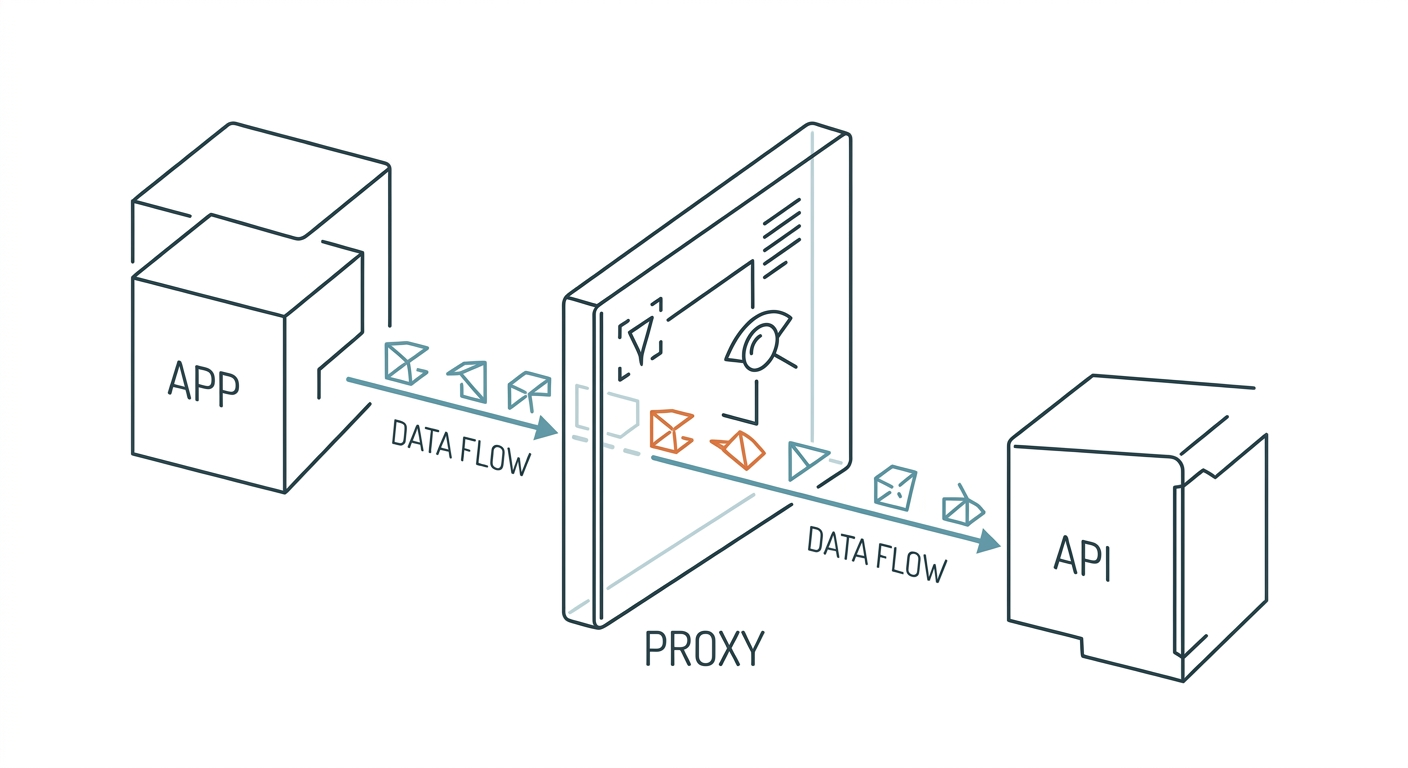
The attraction of ccxray is not that it gives you a prettier dashboard. It opens part of the black box between Claude Code and the API. That is what makes it genuinely useful when behavior turns strange and the final answer alone is not enough.
That is also why I would not make it a default always-on tool. The moment you introduce a proxy and session logs, you are making a governance decision, not just installing a convenience feature.
Where It Is Strong
- The observability depth is genuinely useful
- Token and cost tracking matter in real workflows
- Prompt diffing is an unusually valuable capability
Where It Fails
- The project is still too early to call mature
- Proxying and logging create a real data-governance boundary
- It should not be treated as the default path for every session
Pricing, Difficulty, and Risk
This is open-source software with moderate difficulty. The harder part is not setup. It is deciding whether your workflow can tolerate the logging and proxy boundary. That matters more than the command syntax.
Verdict
Try it if you need to debug Claude Code as a black box. Do not assume it is ready to become a permanent observability foundation yet.